
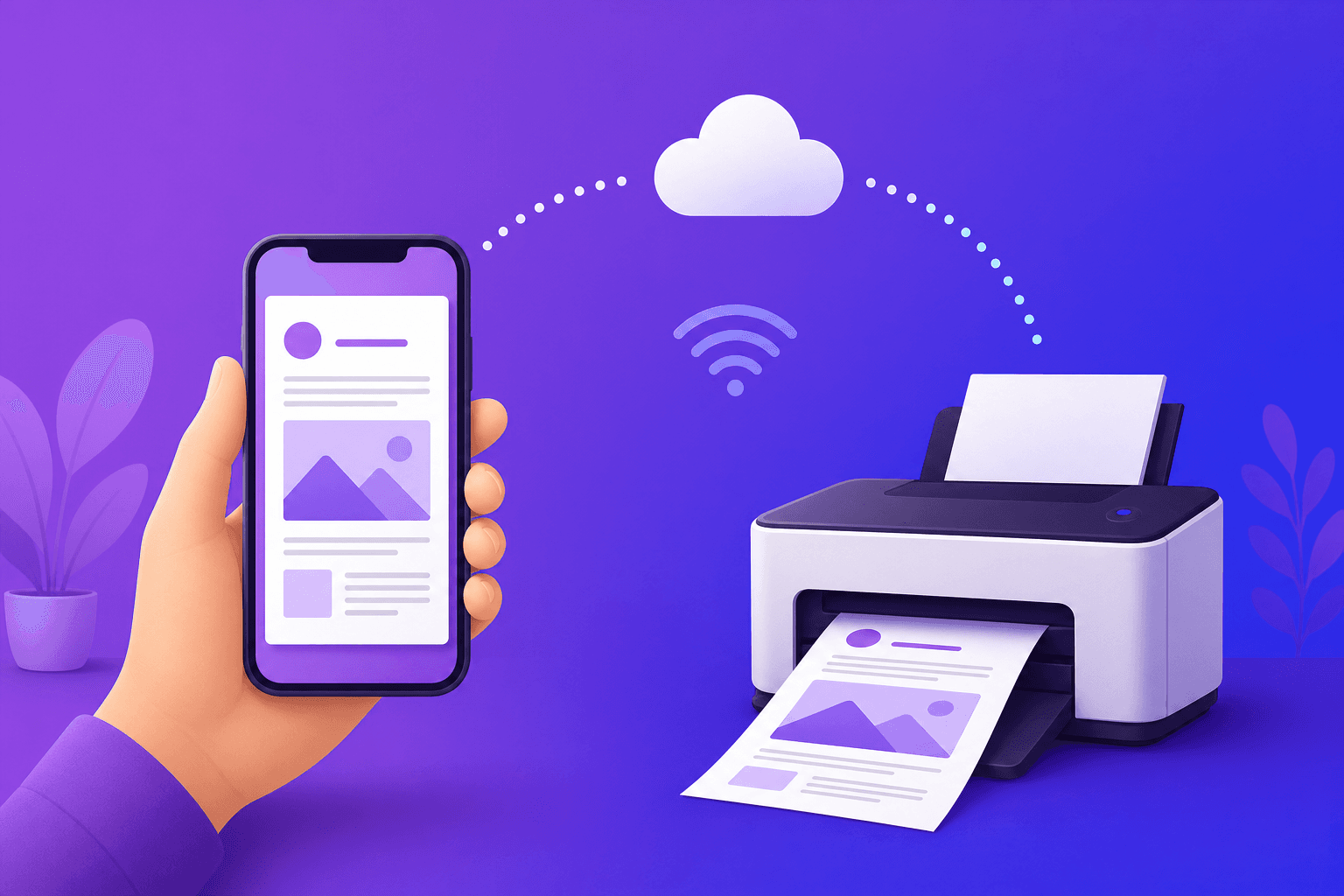
Your phone holds almost everything these days — tickets, forms, contracts, coursework and photos. But every now and then you need a physical paper copy, and that is where things get tricky if you do not own a printer. The good news is that printing from a phone in the UK is easier than most people think, whether you have a wireless printer at home or none at all.
This guide covers both: printing to your own wireless printer from an iPhone or Android, and the simplest option when you have no printer — uploading your document online and having it printed and posted to you.
Can you print directly from your phone?
Yes. Modern phones have built-in printing tools. iPhones use AirPrint, and Android phones use Android Print Service or a manufacturer app. Both let you send a document to a compatible wireless printer on the same Wi‑Fi network in a few taps. If you do not have a printer, you can instead upload the file to an online print service and skip the hardware entirely.
How to print from an iPhone or iPad (AirPrint)
Open the document, photo or email you want to print.
Tap the Share icon (the square with an arrow), then scroll down and tap Print.
Tap Select Printer and choose your AirPrint-compatible printer.
Choose the number of copies and colour options, then tap Print.
How to print from an Android phone
Open the file in an app such as Google Drive, Files, or Photos.
Tap the menu (three dots) and choose Print.
Select your printer from the list (you may need to enable a print plugin for your printer brand).
Adjust copies, colour and paper size, then tap the print button.
No printer? Print from your phone without one
If you do not own a printer — or yours is out of ink at the worst possible moment — you can still print straight from your phone. With printle, you upload your document from your phone and we print it professionally and post it to your door anywhere in the UK.
Save your document as a PDF on your phone (most apps let you export or "Save as PDF").
Open the upload page in your phone's browser and add the file.
Choose black & white or colour, single or double-sided, and how many copies.
Pick a delivery option and pay. We print and dispatch it for you.
It is the quickest way to get a hard copy when you are out and about, working from your phone, or simply do not want to buy a printer for occasional use.
How much does it cost to print from your phone?
Printing to your own printer mainly costs ink and paper, which adds up surprisingly fast. With an online print-and-post service, pricing is transparent: black & white from 12p per page and colour from 30p per page, with the per-page price dropping on larger documents. UK delivery starts at £3.99 and is free on orders over £10.00, so there is no printer, ink or maintenance to pay for.
Tips for printing from your phone
Convert to PDF first so your layout, fonts and spacing print exactly as you see them.
Check the preview before sending — phones sometimes crop or rescale documents.
Use black & white for text-only documents to keep costs down.
Frequently asked questions
Can I print from my phone without a printer?
Yes. Upload your document to an online print-and-post service like printle and we print it and deliver it to you — no printer required.
Can I print a photo from my phone?
Yes. You can print photos to a home printer via AirPrint or Android Print, or upload a PDF/image to be printed and posted.
Is it safe to upload my documents?
With printle your files are uploaded securely, handled carefully and automatically deleted after our retention period. We never share your documents with third parties.
Whether you print at home or upload it to be printed and posted, printing from your phone in the UK takes just a couple of minutes.