Print a document in four steps
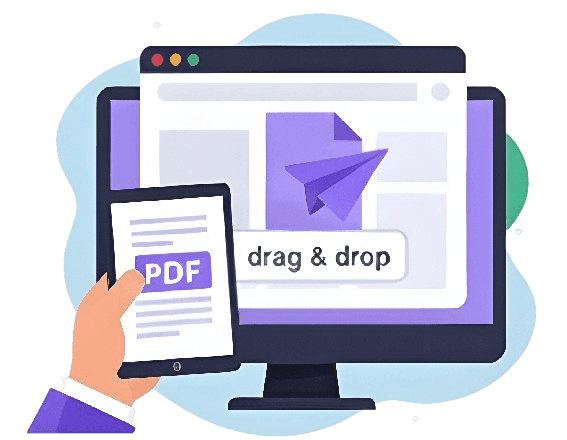
Drag and drop straight into the browser — phone, tablet or desktop.
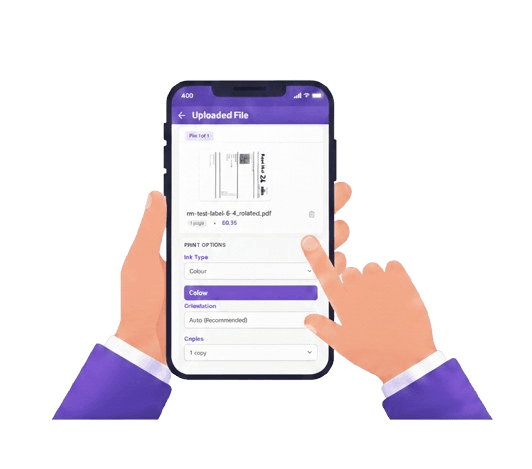
Colour or black & white, copies and finishing — set per file.
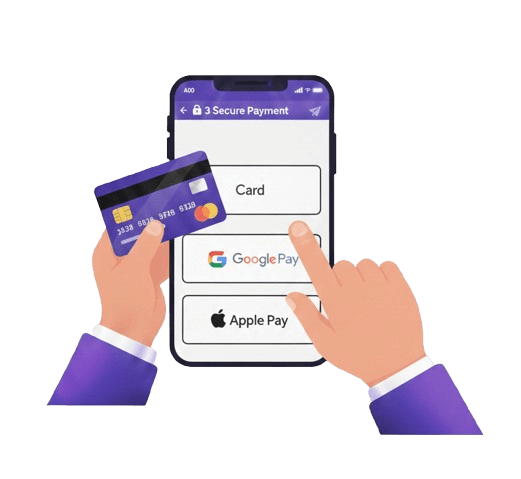
Card, Apple Pay or Google Pay at checkout.
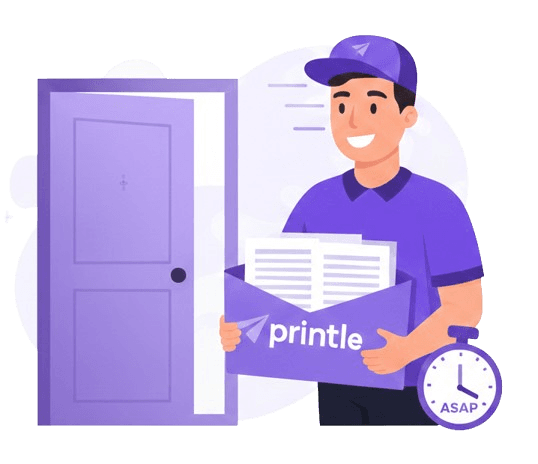
Printed and dispatched same day, delivered UK-wide.
No printer?
No problem.
Skip the ink, the paper jams and the trip to a print shop.
No software, no printer setup, no troubleshooting.
Order any time. Before 2pm, it's printed and dispatched the same day.
Files are encrypted end-to-end and deleted 90 days after printing.
Next-day delivery available, free on qualifying orders.
How much it costs to print a document
The cheapest option, from a few pence a page.
For anything that needs colour to make sense.
No minimum order · Volume discounts applied automatically · Free delivery on qualifying orders
Printing a document,
answered
Common questions about printing a document without a printer of your own.
01How do I print a document without a printer?
Upload your document to an online printing service like printle, choose your print options, and check out. The document is printed professionally and delivered to your door.
02What file format do I need to print a document?
PDF is best — it locks in your fonts and layout so the print matches what you see on screen. If your file is a Word document or Google Doc, export it as a PDF first.
03How long does it take to print and deliver a document?
Order before 2pm on a working day and your document is printed and dispatched the same day, with next-day delivery available across the UK.
04How much does it cost to print a document?
Pricing is per page, with black & white the cheapest option and colour costing more per page. Upload your document to see the exact price before you pay.
05Can I print a document from my phone?
Yes. The upload page works on any device with a browser — phone, tablet or desktop — no app or software needed.
06Is it safe to upload a document to be printed online?
Yes. Files are encrypted end-to-end, used only to fulfil your print order, and deleted automatically 90 days afterwards.
How to print a document, step by step
If you need a document printed and do not have a working printer at home, the quickest answer is to upload it to a service like this one — you skip buying ink, finding paper, and hoping the printer actually works, and the document arrives printed properly and posted to you.
Step 1: Save your document as a PDF
If your document is a Word file, Google Doc, or something else, save or export it as a PDF first. Every major application supports this under File > Export as PDF, or by choosing "Save as PDF" in the print dialog. A PDF locks in your fonts and layout so the printed result matches exactly what you see on screen.
Step 2: Upload the document
Upload your PDF here — drag and drop from your phone, tablet or computer. The page count is read automatically and a price appears straight away.
Step 3: Choose how it should be printed
Pick colour or black & white, single or double-sided, and how many copies you need. Each of these can be set independently if you are uploading more than one document.
Step 4: Pay and wait for delivery
Check out by card, Apple Pay or Google Pay. Orders placed before the 2pm cutoff on a working day are printed and dispatched the same day, with next-day delivery available across the UK.
Other ways to print a document without your own printer
A library, a copy shop, or a friend's printer are the traditional options if you need something printed within the hour and are near one. For anything that is not urgent within the hour, or that needs to look properly finished, printing online and having it delivered is usually the more convenient and often cheaper choice — no travel, no queue, and the price is shown before you commit.
Ready to try it? Upload your document now, or read about our printing prices and PDF printing options.