Upload and print in four steps
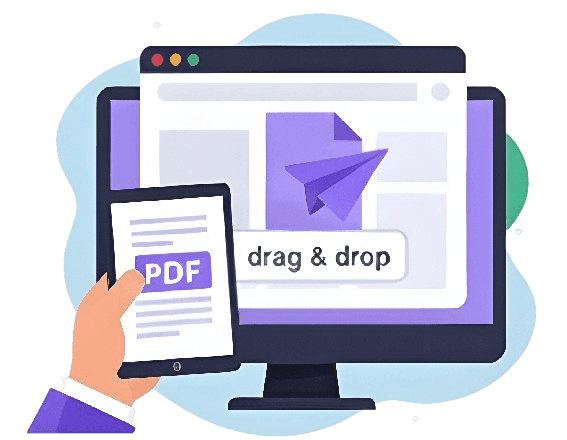
Drag and drop straight into the browser — no printer or software needed.
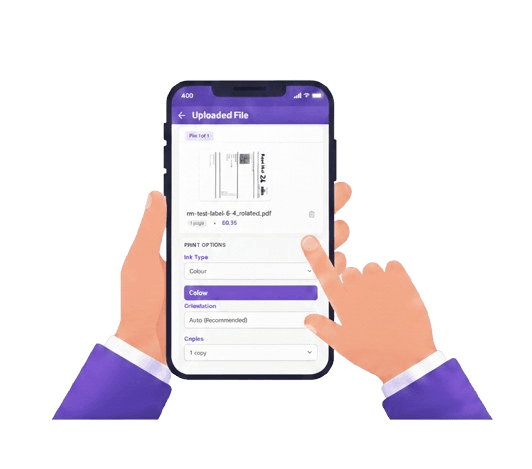
Colour or black & white, sides and copies — set per file.
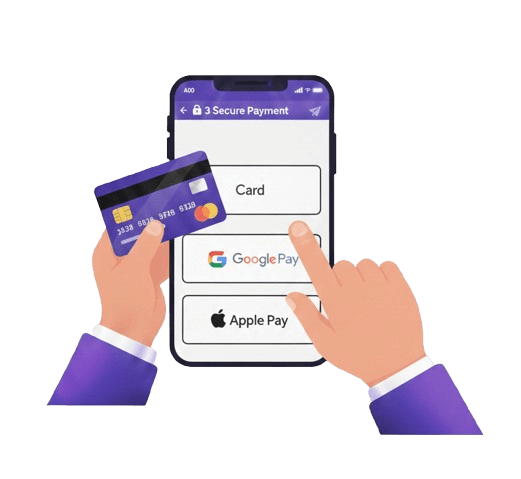
Card, Apple Pay or Google Pay at checkout.
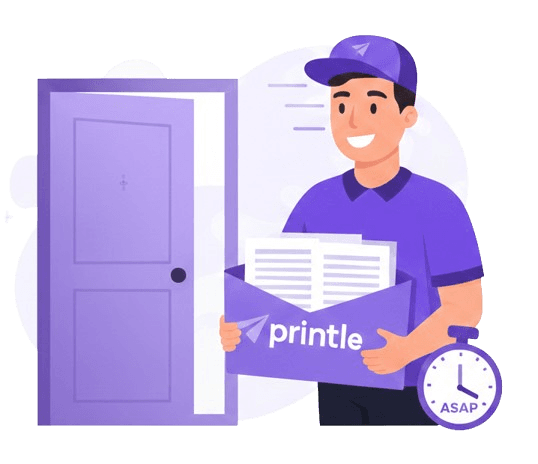
Printed and dispatched same day, delivered UK-wide.
You upload.
We handle the rest.
No printer, no software, no print shop — just a file and an address.
Order any time. Before 2pm, it's printed and dispatched the same day.
Works from any browser — no hardware or software required.
Files are encrypted end-to-end and deleted 90 days after printing.
Next-day delivery available, free on qualifying orders.
Upload and print prices, per page
Reports, forms, letters and everyday documents.
Presentations, marketing and anything image-led.
No minimum order · Volume discounts applied automatically · Free delivery on qualifying orders
Upload it, and we'll print it
Anything you would otherwise have printed yourself, if you had a working printer.
Upload and print,
answered
Common questions about sending a document to be printed online.
01How do I upload a document to be printed?
Go to the upload page, drag in your PDF, choose your print options and delivery address, then pay. We print it and post it to you — no printer or software needed.
02What file format can I upload?
PDF, up to 50 MB. If your document is a Word file or Google Doc, export it as a PDF first so the fonts and layout match exactly what gets printed.
03Can I upload and print without owning a printer?
Yes — that is the whole point of the service. You never need a printer; we handle the printing and post the finished document to you.
04Can I have it delivered to someone else instead of me?
Yes. The delivery address is set independently at checkout, so you can send a printed document directly to a relative, client or anyone else in the UK.
05How fast is upload-and-print?
Order before 2pm on a working day and your document is printed and dispatched the same day, with next-day delivery available across the UK.
06Is uploading my document secure?
Yes. Files are encrypted end-to-end, used only to print your order, and deleted automatically 90 days afterwards.
Send a document to be printed, without owning a printer
"How do I send this to a printer?" usually means one of two things: your printer is broken, out of ink, or you never had one — or the document needs to end up somewhere you are not. Either way, uploading it to be printed online solves it the same way: you send the file, someone else prints it.
How uploading and printing works
- Upload your document — drag and drop a PDF from your phone, tablet or computer.
- Choose your print options — colour or black & white, single or double-sided, and how many copies.
- Enter a delivery address — your own, or anyone else's in the UK.
- Pay and we take it from there — printed, packed and posted.
Why upload instead of finding a printer
- No printer to buy, fix or refill — skip the ink, the jams, and the trip to buy a cartridge.
- No software to install — the upload page works in a browser, on any device.
- No print shop to visit — upload from wherever you are, at any hour.
- Works for one file or several — no minimum order.
Sending a printed document to someone else
The delivery address at checkout does not have to be your own — you can upload a file and have it printed and posted directly to a relative, a client, a landlord, or anyone else in the UK. This is common for parents printing coursework for children away at university, or sending a signed contract to someone who needs the paper copy. For the full detail on this, see our print and deliver page.
Is it secure?
Files are encrypted end-to-end while uploading and in storage, used only to fulfil your print order, and deleted automatically 90 days afterwards. Nobody else sees what you upload.
Upload your document now — or read about our PDF printing and pricing.