PDF to letterbox in four steps
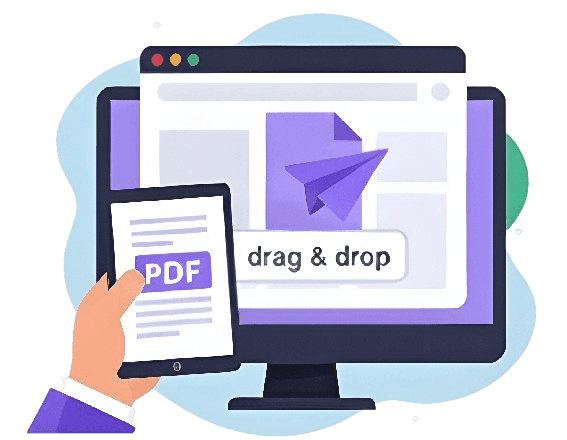
Drag and drop straight into the browser — phone, tablet or desktop.
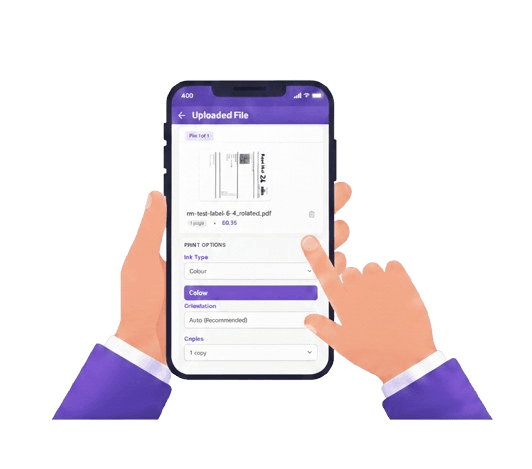
Colour or black & white, sides and copies — set per file.
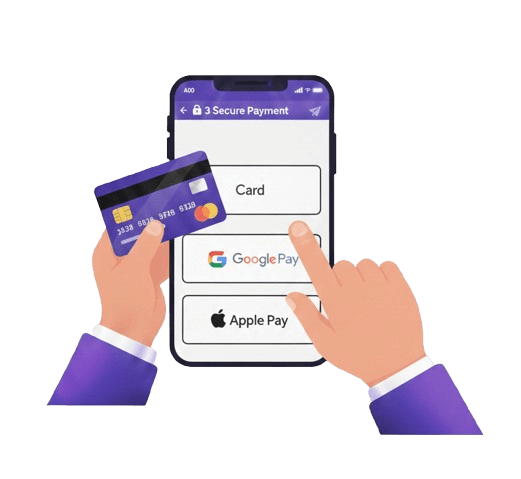
Card, Apple Pay or Google Pay at checkout.
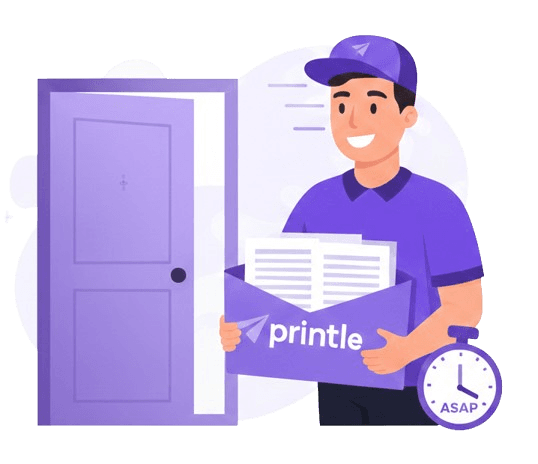
Printed and dispatched same day, delivered UK-wide.
Exactly as designed.
Posted to your door.
PDF printing that preserves your fonts, margins and layout — without the queue or the drive.
Order any time. Before 2pm, it's printed and dispatched the same day.
Long, image-heavy PDFs are handled the same as a single page.
Files are encrypted end-to-end and deleted 90 days after printing.
Next-day delivery available, free on qualifying orders.
PDF printing prices, per page
Text-led PDFs — reports, contracts, essays and forms.
Presentations, charts and image-heavy PDFs.
No minimum order · Volume discounts applied automatically · Free delivery on qualifying orders
Any PDF, printed and posted
Return labels, tickets, contracts, coursework — if it is a PDF, we print it and post it.
PDF printing,
answered
Common questions about uploading PDFs, file limits, quality and delivery.
01How do I print a PDF without a printer?
Upload your PDF here, choose your print options and check out. We print it professionally and deliver it to your door — no printer, no print shop and no queue.
02How much does PDF printing cost?
PDF printing is priced per page, with black & white the cheapest option and colour costing more per page. Discounts apply automatically as your page count rises, and delivery is free on qualifying orders. Upload your PDF to see the exact price before you pay.
03What is the maximum PDF file size?
50 MB per file. If your PDF is larger, exporting it at print quality rather than maximum quality usually reduces the size substantially without any visible difference on paper.
04Can I print a PDF double-sided?
Yes. Double-sided (duplex) printing is available on every order and is set per file. For long PDFs it halves the physical sheet count — half the paper for the same content, and lighter to post.
05Will my PDF print exactly as it looks on screen?
Yes — that is the advantage of PDF. Fonts, margins, spacing and images are embedded in the file, so the printed result matches your screen. We print the file exactly as supplied, including any blank pages.
06Can I print a Word document or Google Doc?
Save or export it as a PDF first, then upload that. Every major application offers this under File > Export as PDF, or by choosing "Save as PDF" in the print dialog. Converting first means you see exactly what will be printed.
07Is my PDF kept private?
Yes. Files are encrypted end-to-end, handled only for printing, and deleted automatically 90 days after your order.
08What does printing a PDF online actually involve?
Upload the PDF, set your options (colour, sides, copies), and pay — that's the whole process. There is nothing to install and no software needed; printing a PDF here means uploading it once and receiving it printed and delivered.
Print PDFs online and have them delivered
PDF is the format that printing was designed around. Unlike a Word file or a Google Doc, a PDF carries its fonts, margins, spacing and images inside the file itself, so what you see on screen is exactly what comes off the press. That is why we ask for PDFs — it removes the single most common cause of a print job coming out wrong.
Our PDF printing service is entirely online. Upload your file, choose how it should be printed, and we produce it professionally and post it to any UK address. No printer, no print shop, no software to install.
How PDF printing works
Drop your PDF into the uploader and the page count and price appear straight away. You then set your options per file — colour or black & white, single or double-sided, and the number of copies. Pay at checkout and your documents are printed, packed and dispatched.
Preparing your PDF for printing
Most PDFs print perfectly with no preparation at all. A few checks are worth making for longer or more complex documents:
- Embed your fonts — most export tools do this automatically, and it guarantees your typefaces print as intended rather than being substituted.
- Check the page size — we print on A4. A PDF built for US Letter will still print, but the proportions differ slightly, so scaling may leave narrow margins.
- Flatten interactive forms — if a PDF contains form fields you have filled in, flattening or "printing to PDF" first ensures your entries appear on the printed page.
- Confirm the page order — the file prints exactly as supplied, including any blank pages, so remove anything you do not want printed.
- Keep files under 50 MB — that is the per-file limit. Very large files usually shrink substantially when exported at print quality rather than maximum quality.
Multi-page and large PDFs
Long documents are exactly what this service is built for. A 300-page PDF is handled the same way as a three-page one, and the per-page rate falls automatically as the page count rises. For long documents, double-sided printing is usually worth choosing: it halves the sheet count, reduces the postage weight, and produces a document that is easier to handle.
Converting other files to PDF
If your document is a Word file, a spreadsheet, a Google Doc, a Pages file or a photo, save or export it as a PDF before uploading. Every major application offers this — usually under File > Export as PDF or by choosing "Save as PDF" in the print dialog. Converting first means you see exactly what will be printed, rather than trusting a conversion step you cannot inspect.
Ready to print? Upload your PDF and the price appears instantly. You may also want our A4 document printing options, or a breakdown on the document printing prices, compare printing a PDF online versus a local print shop page.