Print your passport form in four steps
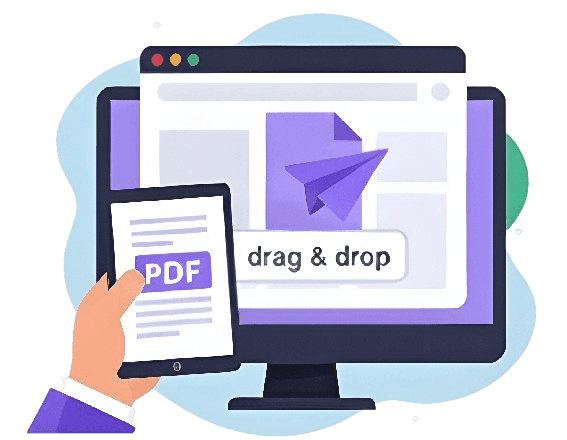
Drag and drop the PDF straight into the browser.
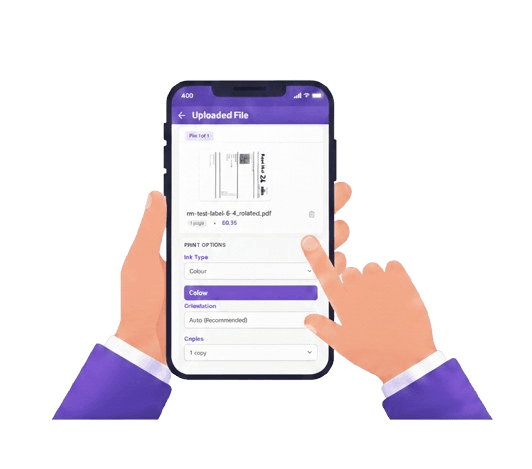
Black & white and the number of copies you need.
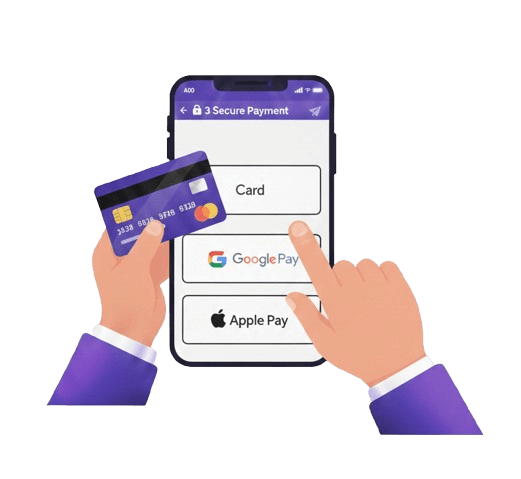
Card, Apple Pay or Google Pay at checkout.
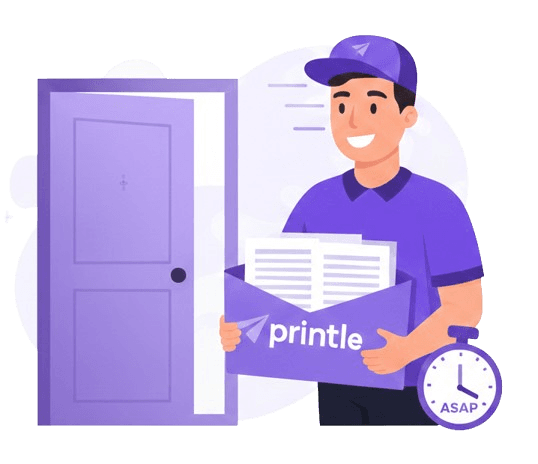
A clean copy, printed and dispatched same day.
A clean copy.
No delay to your application.
Sensitive paperwork, handled carefully and privately.
Order before 2pm and it's dispatched the same day.
Black & white is the standard, cheapest option for official forms.
Encrypted end-to-end and never shared with third parties.
Next-day delivery available, free on qualifying orders.
Passport forms,
answered
Common questions about printing passport paperwork.
01Can I print my passport form in black and white?
Yes. Most passport application and supporting forms are perfectly acceptable in black & white, which is also the cheapest option.
02How quickly will I receive it?
Orders before the daily 2pm cut-off are dispatched the same day, with next-day delivery available UK-wide.
03Is it confidential?
Yes. Your form is handled securely, encrypted end-to-end, automatically deleted after printing, and never shared with anyone.
04Can you print my passport photo too?
No — passport photos must meet strict official size and quality rules that a document printing service cannot guarantee. Use an official photo booth or passport-standard photographer for the photo, and this service for the paperwork.
05What format should the form be in?
PDF. Download the official form from the source you were directed to, then upload it here as-is.
Print a passport application form without a printer
Applying for or renewing a UK passport sometimes means printing a paper form — a supporting document, a declaration, or a downloadable application you complete by hand. If you do not have a printer, this small step can hold up an important application.
When do you need to print a passport form?
Most standard applications are completed online, but there are still times a printed document is required:
- Downloadable or "print and post" application forms.
- Countersignatory or supporting declaration pages.
- Confirmation letters or checklists that must be posted with your application.
- Forms for first-time applicants or specific circumstances only provided as a PDF.
How to print a passport form without a printer
The simplest option is to upload the form and have it printed and posted to you:
- Download the official form as a PDF from the source you have been directed to.
- Go to the upload page and add your PDF.
- Choose your print options — black & white is usually fine for forms — and the number of copies.
- Select delivery and pay. We print your form and dispatch it to your address.
You will receive a clean, professional copy ready to complete and submit according to the official guidance.
A note on passport photos
To be clear: a print-and-post service like this prints documents and forms, but passport photos must meet strict size and quality rules set by the passport office. For compliant photos, use an official photo booth or a photographer who guarantees passport-standard images — use printle for the paperwork, not the photo itself.
Keeping your personal details secure
Passport forms contain sensitive personal information. Your documents are uploaded over a secure connection, handled carefully throughout printing, automatically deleted after our retention period, and never shared with third parties.
No printer should not delay your passport. Upload your form and we will print and post it to you.