Print an Amazon Return Label,
no printer needed.
Upload the label PDF from your Amazon orders page and we print it and post it to you, ready to attach — from 12p a page.
What our customers say
A selection of our 5-star reviews, quoted as written.
“Great idea and website- printing arrived quickly and just what I needed! Thank you”
Megan J. Google review“Quick and reliable thank you”
Dylan D. Google review“I hadn’t known this service exists and it’s amazing. I only need a printer once in a while so didn’t really want to buy one. Copies came in perfect condition and very speedy delivery.”
Amy J. Google review“Super fast delivery, saved me a huge headache, cheers!”
S. M. Google review“Amazing experience overall. Starting with the website - very easy to navigate. Prints arrived promptly and perfectly packaged. Will definitely use again and recommend their services”
Aleksandra R. Google review“Fast delivery and high quality just what I needed. Thank you. Highly recommended”
Natalie J. Google review“I have used this service to print a pdf and have it shipped directly to a friend even if I don't live in the UK and it has been perfect!”
Micaela A. Google review“Great and smooth experience. Thank you printle for making it super easy.”
A. T. Google review“Great Service and high quality print. Thank you so much.”
Milad M. Google review“Quick and easy, prints arrive in cardboard envelope”
Ryan S. Google review“Fast and great thank you”
Rita M. Google review“Appreaciated, many thanks.”
Suzie D. Google review“Greet service”
Kathryn C. Google review
Print your return label in four steps
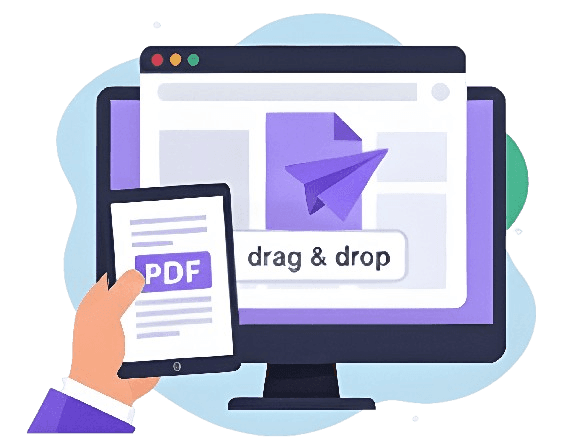
Drag and drop the PDF straight into the browser.
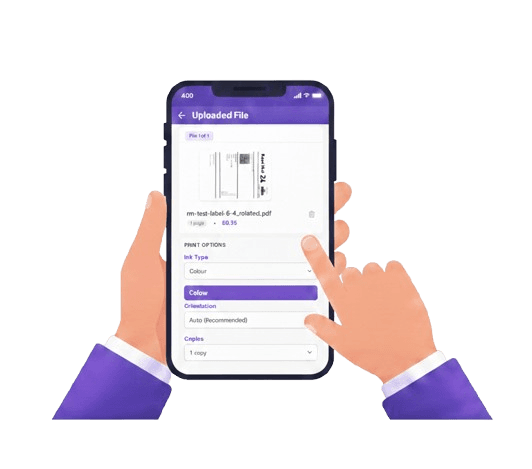
Black & white and your delivery speed.
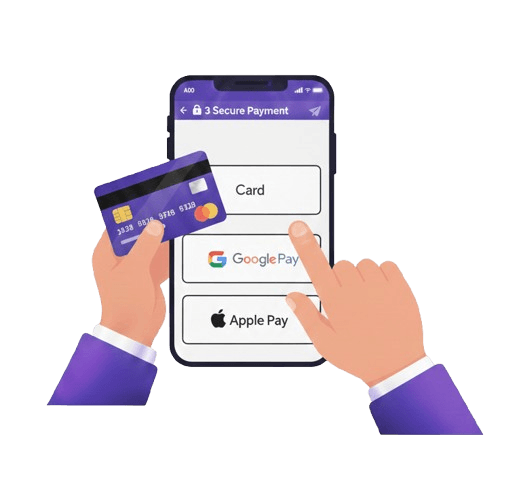
Card, Apple Pay or Google Pay at checkout.
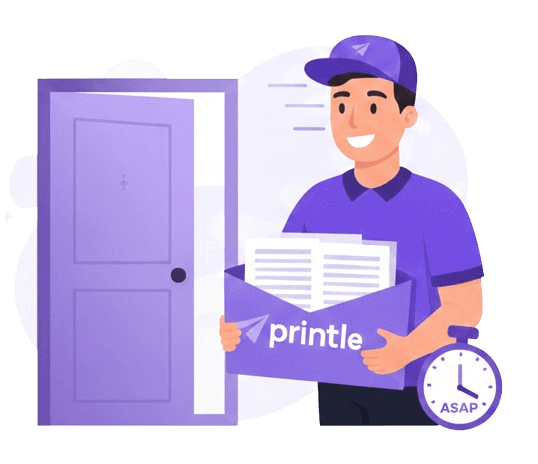
Printed and dispatched same day, delivered UK-wide.
One label.
No trip out.
No minimum order — a single label is a normal order.
Printing just one label is a completely normal order — no hidden basket fees for small orders.
Order before 2pm and it's dispatched the same day.
Files are encrypted end-to-end and deleted 90 days after printing.
Next-day delivery available, free on qualifying orders.
Amazon return labels,
answered
Common questions about printing an Amazon return label.
01Can I return an Amazon item without printing anything?
Often yes — many returns support a QR code shown at a participating drop-off point, with no printing needed. Check your Amazon return options first.
02How do I print an Amazon return label without a printer?
Generate the return label PDF from your Amazon orders page, then upload it here. We print it on A4 and post it to you, ready to attach to your parcel.
03How much does it cost to print a single label?
A single label prints for a low per-page rate on A4 — there is no minimum order, so printing just one is completely normal. Upload it to see the exact price.
04How fast will I receive my printed label?
Order before 2pm on a working day and it is dispatched the same day, with next-day delivery available across the UK.
05What do I do once the label arrives?
Cut it out along the guide lines, attach it to your return parcel, and drop it off at the courier or location specified in your Amazon return instructions.
Print an Amazon return label without a printer
Amazon often gives you a choice between a printer-free QR code return (scanned in-store) and a printed label. If your only option is a printed label — or you would rather have a physical copy — here is how to get it printed without owning a printer.
Check for a QR code option first
Many Amazon returns can be completed by showing a QR code at a participating drop-off point (such as certain supermarkets or lockers), with no printing required at all. If that is available for your return, it is the fastest route.
If you need a printed label
- Generate the return label PDF from your Amazon orders page.
- Upload the PDF — a single label costs 28p to print on A4 in black & white.
- Choose black & white and your delivery option.
- Order before 2pm UK time for same-day dispatch.
Attaching your printed label
Once delivered, cut out the label along the guide lines, attach it firmly to your return parcel, and drop it off at the courier or location specified in your Amazon return instructions.
Why not just go to a print shop?
For a single label it is usually more convenient to order online than to travel to a shop, especially if you do not have one nearby. There is no minimum order, so printing just one label is perfectly normal — and it arrives at your door rather than needing a special trip.
Upload your return label now, or see our general print and deliver page.