Double-sided printing in four steps
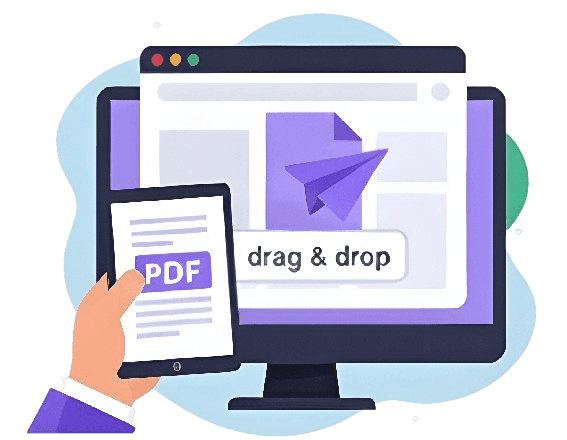
Drag and drop straight into the browser — phone, tablet or desktop.
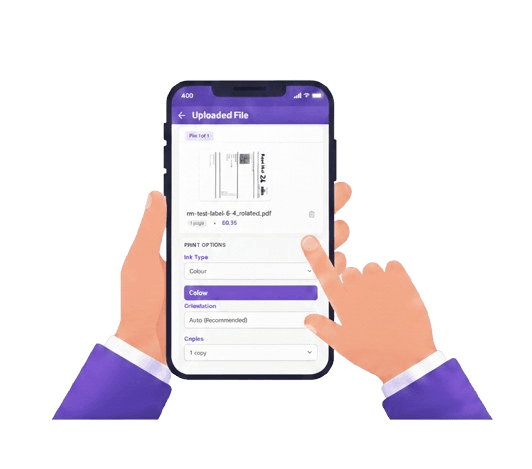
Select duplex printing, plus colour and copies, per file.

Card, Apple Pay or Google Pay at checkout.
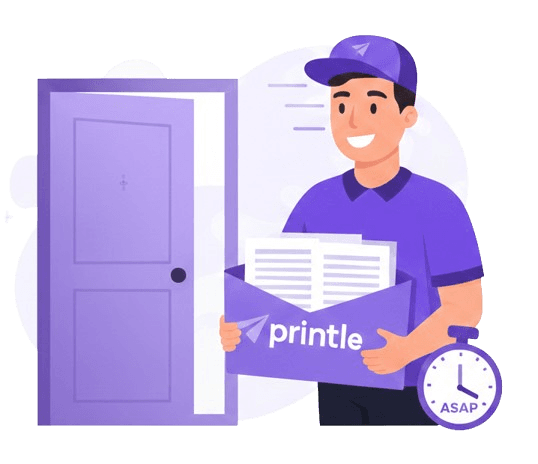
Printed and dispatched same day, delivered UK-wide.
Half the paper.
Half the waste.
Duplex printing set per file, exactly where it makes sense.
Same content, half the physical sheets — slimmer, lighter and genuinely less wasteful.
Order any time. Before 2pm, it's printed and dispatched the same day.
Files are encrypted end-to-end and deleted 90 days after printing.
Next-day delivery available, free on qualifying orders.
Double-sided printing prices, per page
Reports and long documents, printed duplex.
Colour content, printed on both sides.
No minimum order · Volume discounts applied automatically · Free delivery on qualifying orders
Double-sided printing for longer documents
Reports, dissertations and anything that benefits from a slimmer, lighter finish.
Double-sided printing,
answered
Common questions about duplex printing, cost and when to use it.
01What is double-sided (duplex) printing?
Double-sided printing puts content on both sides of each sheet, so a 100-page document uses 50 physical sheets instead of 100 — half the paper for the same content, and a slimmer, lighter document to hold and post.
02Is double-sided printing cheaper?
Pricing is per page rather than per sheet, since printing and handling each page is most of the cost, not the paper itself — so the total is the same either way. What you do get is real: half the paper used for the same document, which is the more economical and less wasteful choice even though it doesn't change the price.
03How do I choose double-sided printing?
Select double-sided in the print options when you upload your document. It is set per file, so you can mix double-sided and single-sided documents in the same order.
04When should I use single-sided instead?
Choose single-sided when pages need to be separated, signed individually, displayed, or when a specific submission requires it — some official forms and legal documents do.
05Can I print colour documents double-sided?
Yes. Colour and double-sided are independent options, both set per file, so a colour document can be printed duplex.
06How fast can double-sided documents be printed and delivered?
Order before 2pm on a working day and your documents are printed and dispatched the same day, with next-day delivery available across the UK.
07How do I print double-sided on my own printer?
Look for a duplex or "print on both sides" option in your print dialog — in Word, it is under File > Print, in the one-sided/two-sided dropdown. If your printer supports automatic duplex it handles both sides on its own; otherwise it will prompt you to flip the stack partway through. If your printer does not support it, upload your document here instead and we print it double-sided for you.
Double-sided (duplex) printing, explained
Double-sided printing — also called duplex printing — puts content on both sides of each sheet rather than one. For a 100-page document, that means 50 physical sheets instead of 100: a slimmer, lighter document, even though the number of printed pages is unchanged.
When to choose double-sided
- Long reports and dissertations — noticeably slimmer and easier to handle than single-sided.
- Anything bound or filed — a duplex document sits neatly in a folder or binder.
- Internal or draft documents — where a professional single-sided finish is not required.
- Anything posted — half the sheet count means a lighter package through the letterbox.
When single-sided is the better choice
Single-sided printing is worth choosing when pages will be separated, signed individually, displayed, or submitted somewhere with a specific single-sided requirement — some official forms and legal documents require it. If you are printing coursework or a legal submission, check the requirements before choosing duplex.
How to choose double-sided printing
Upload your document and select double-sided in the print options — it is set per file, so a duplex report and a single-sided cover letter can sit in the same order.
Half the paper, half the waste
Pricing is per page rather than per sheet, because the page itself — printing it, handling it, checking it — is most of what goes into the cost. The paper is a small part of that. So switching to double-sided will not change your total, but it does mean genuinely printing on half as much paper: a slimmer, lighter document, less to post, and less waste for exactly the same content.
How to print double-sided yourself, if you have a printer
If you are printing at home or in the office, most printers support duplex either automatically or manually. In Word, go to File > Print, and look for a "Print One Sided" dropdown — changing it to "Print on Both Sides" handles it if your printer has an automatic duplexer. If it does not, Word (and most print dialogs) offers a manual option: it prints the odd pages first, then prompts you to flip the stack and reinsert it to print the even pages. The exact wording varies by printer driver, but the setting is almost always in the print dialog rather than a separate menu.
If your printer does not support duplex at all, or you would rather skip the flipping and jams, upload your document here and select double-sided — we print it properly and post it to you.
Upload your document and select double-sided to see the price, or read more on our document printing prices and A4 document printing pages.